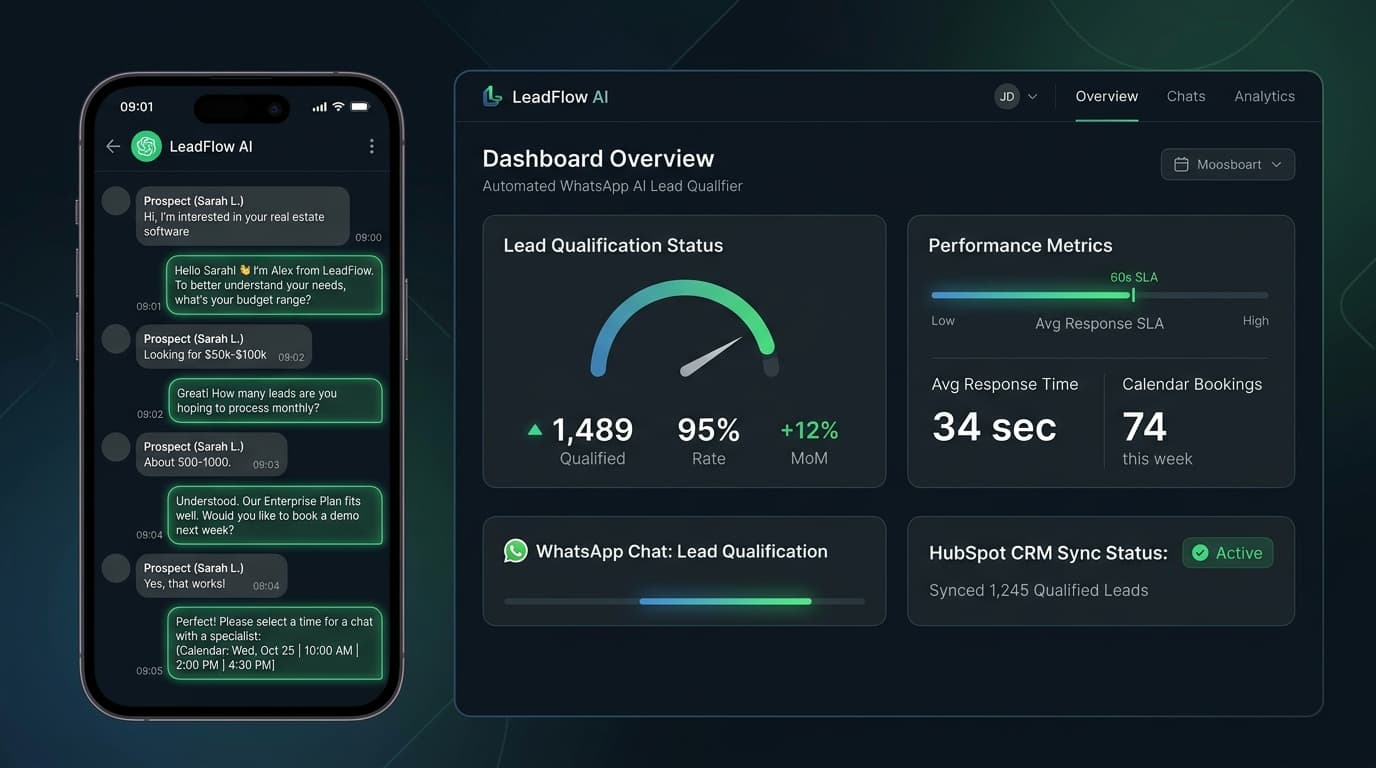
Start with the enquiry
A useful intake workflow begins with the customer's request. Agree which channels it covers, which details the team actually needs and what a helpful first reply should say. An acknowledgement should explain what happens next, rather than pretend that a booking or quotation is already confirmed.
Confirm channel access and permissions
Before planning an integration, check the business account, provider access and messaging rules that apply to the chosen channel. Access to a property portal or CRM should be verified with the relevant provider. A website example is not proof that every account or software package can be connected.
Keep a clear handover
Use a small set of agreed questions and offer an easy route to a person. Calendar lookups and bookings are separate operations: a workflow should confirm an appointment only after the calendar system accepts it. Failed requests and uncertain answers need a visible follow-up path.
Measure a pilot
Record a baseline for response time and completed handovers, then test representative enquiries, duplicates and unavailable services. Compare the pilot with that baseline before describing a benefit. This is an illustrative approach; no sub-minute response, qualification uplift or client result has been verified for this example.
Could This Workflow Help Your Business?
Discuss your tools, access and team needs with Data Donkey. We can explore a practical scope, an appropriate pilot and measures of success before making a delivery commitment.